Global Trade Leader
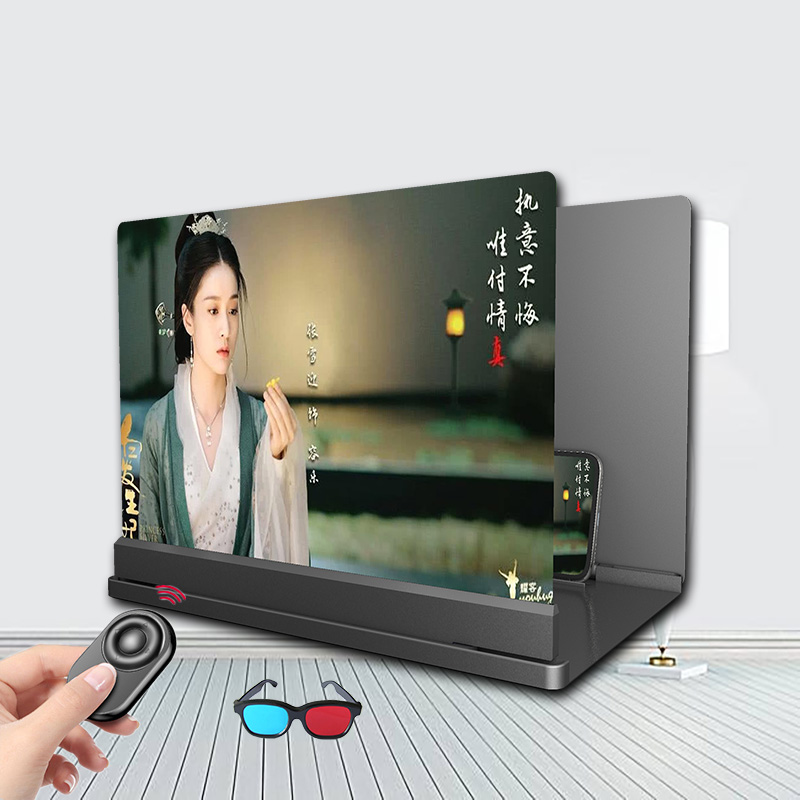
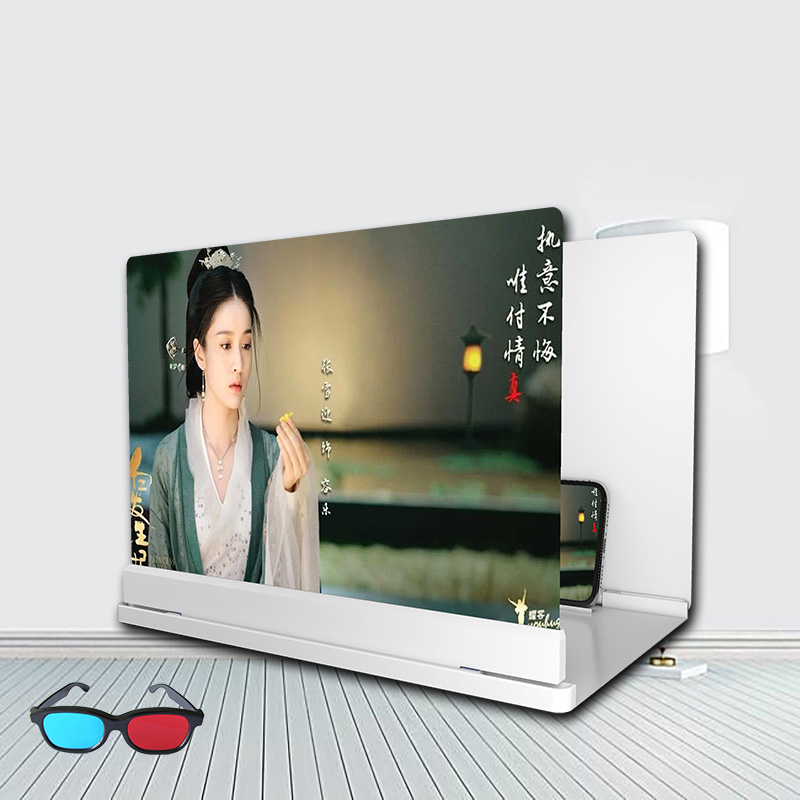
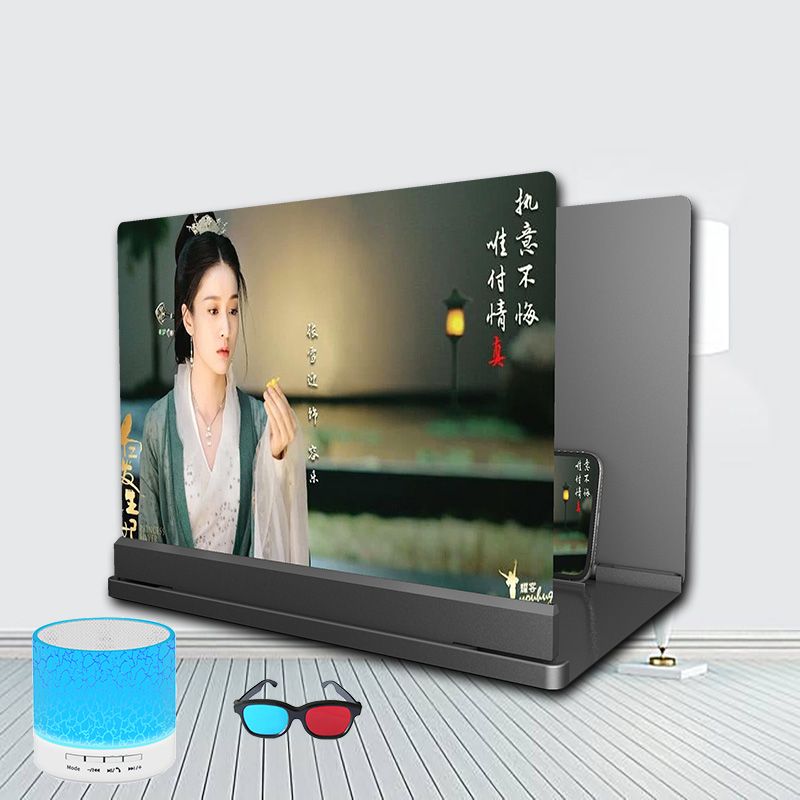
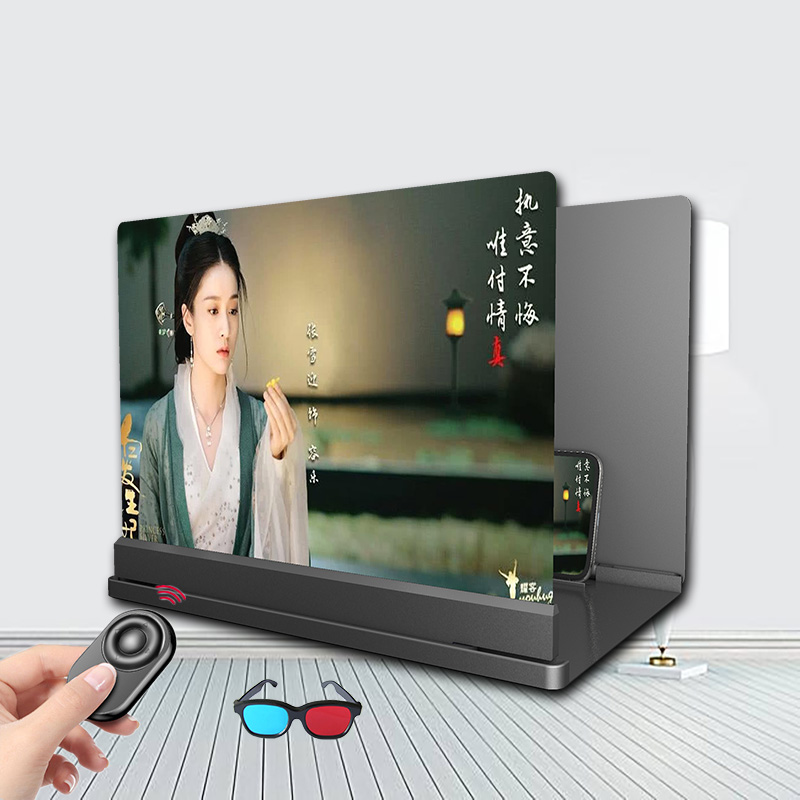
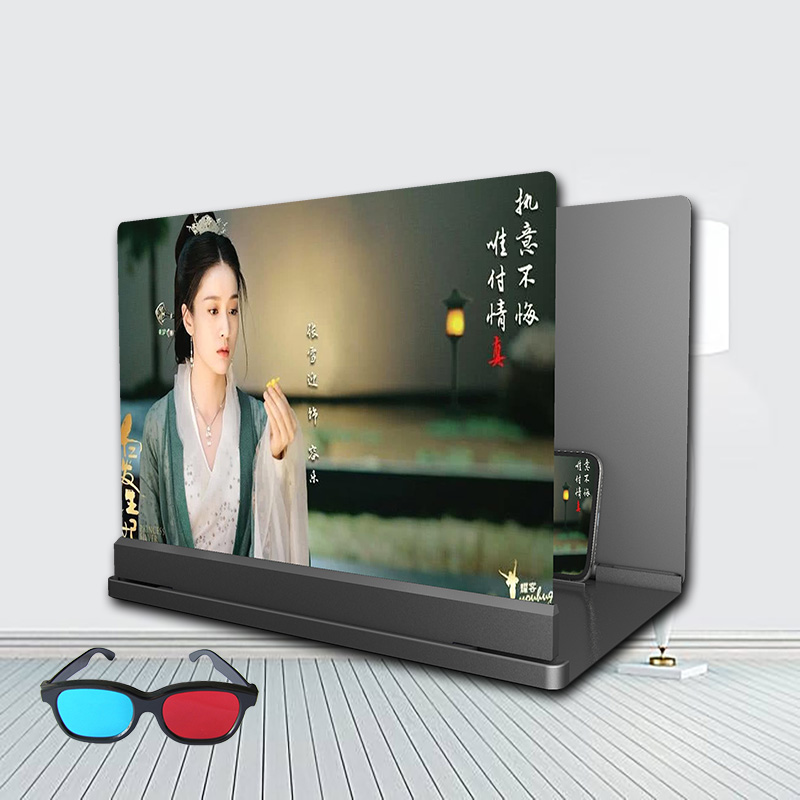
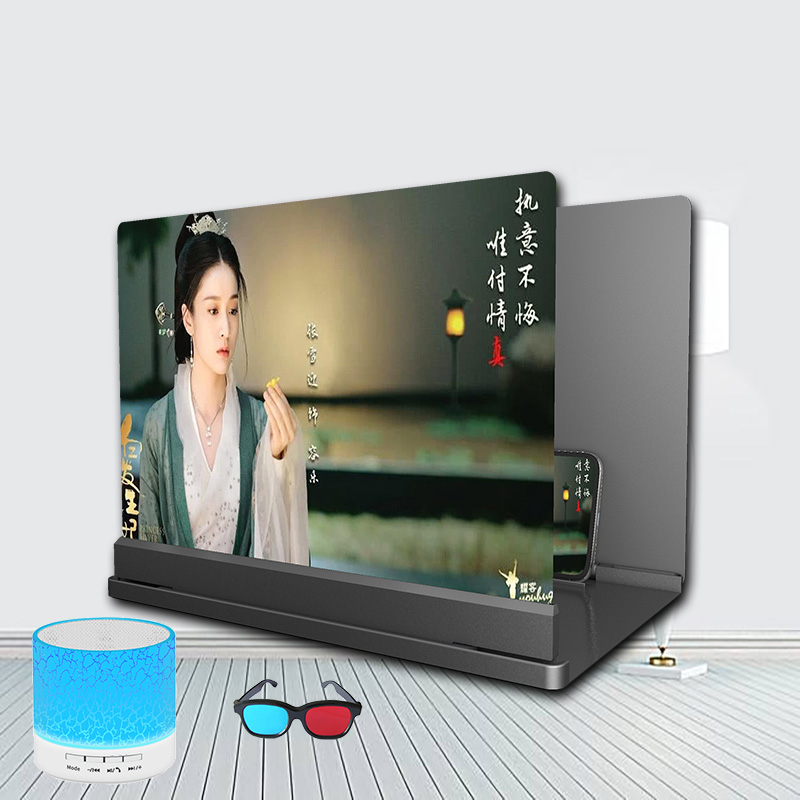
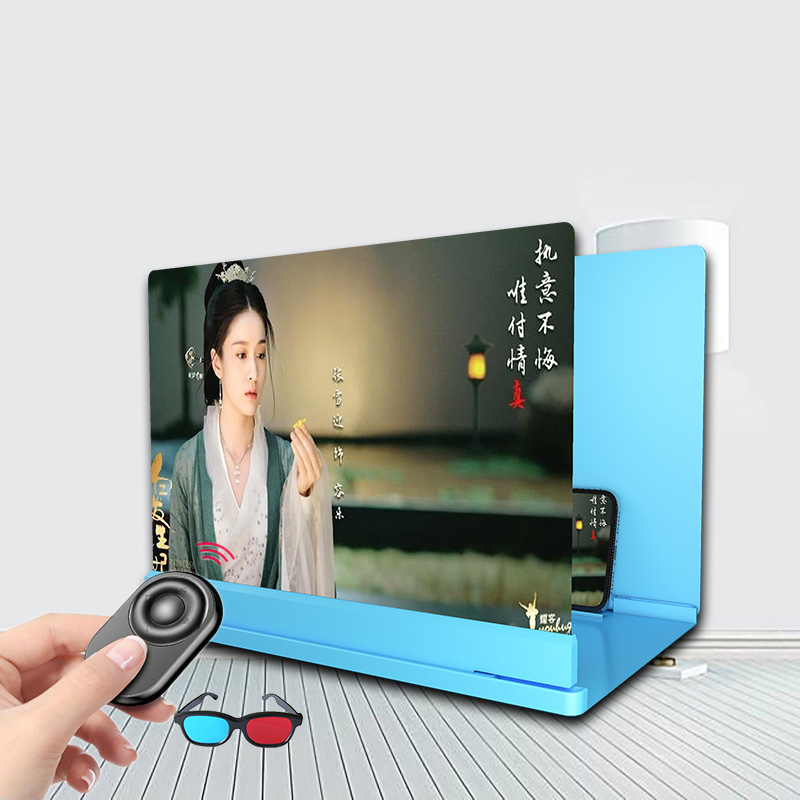
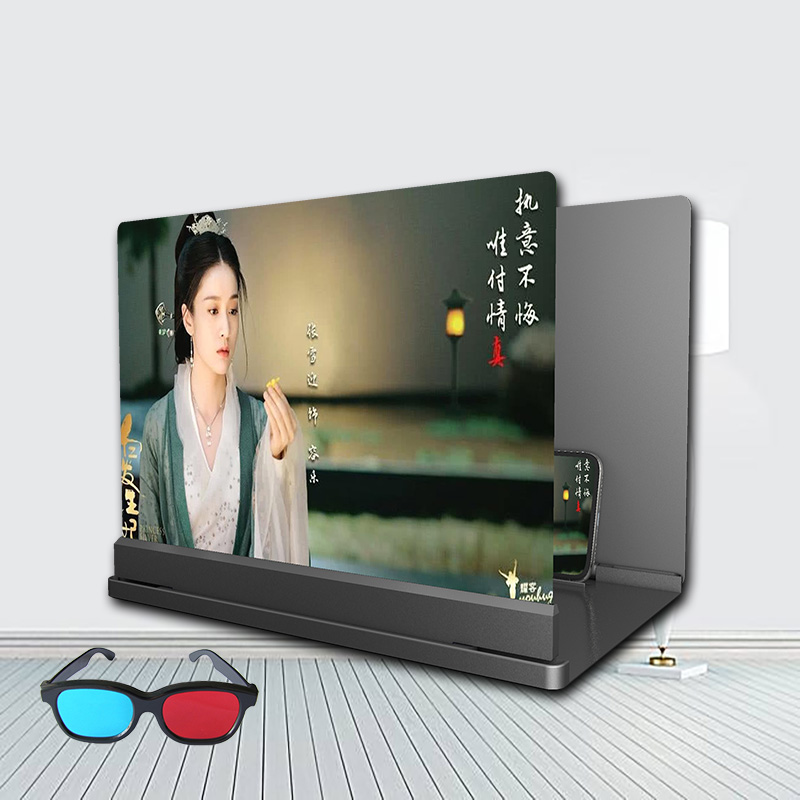
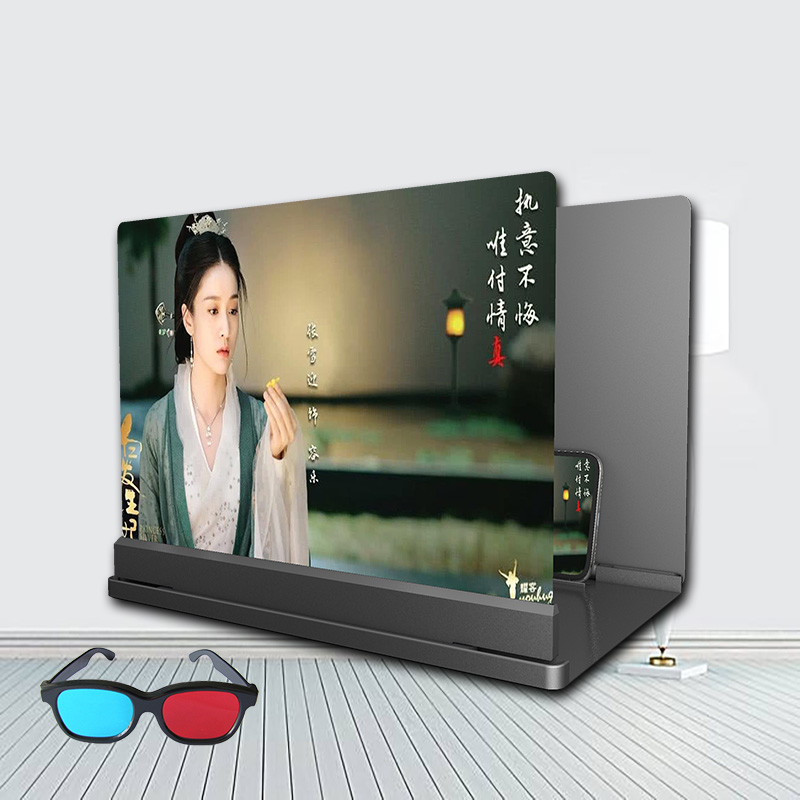
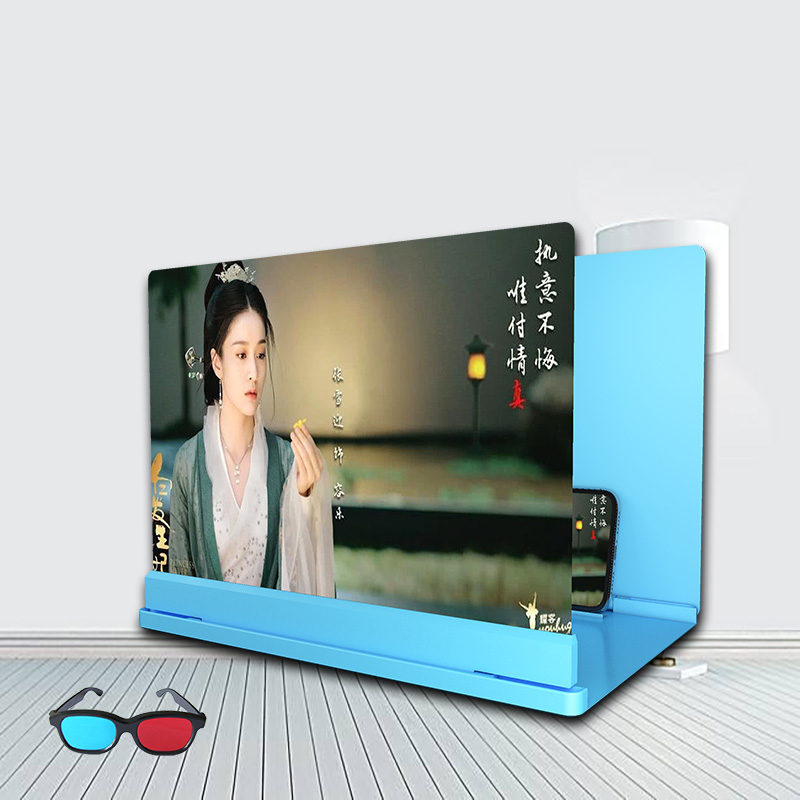
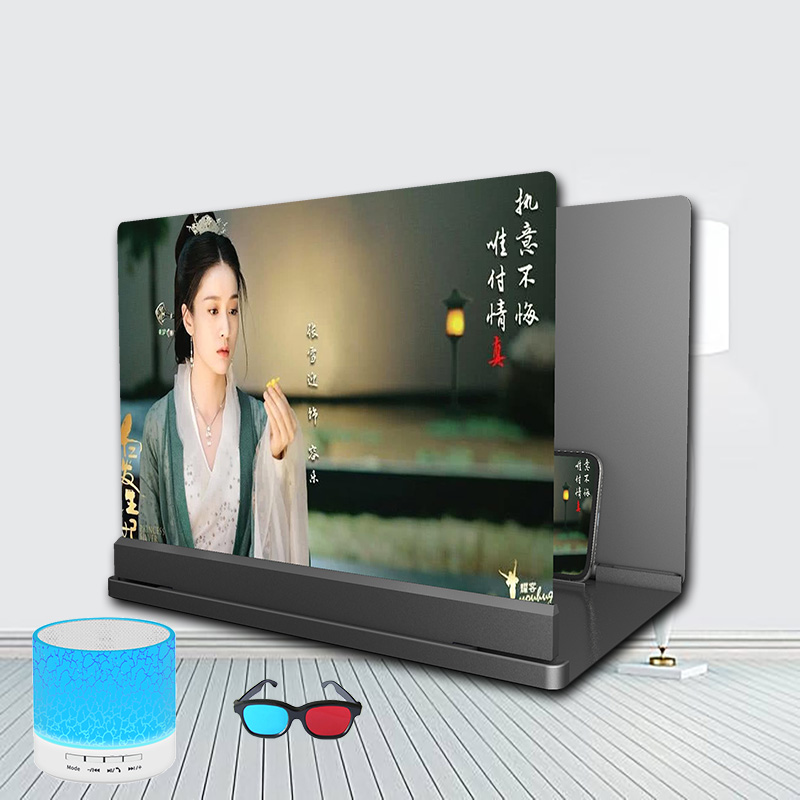
Blu-ray Ultra-clear Mobile Phone Screen Magnifier Eye Protection Lazy Bracket
Blu-ray Ultra-clear Mobile Phone Screen Magnifier Eye Protection Lazy Bracket
Couldn't load pickup availability
Blu-ray Ultra-clear Mobile Phone Screen Magnifier Eye Protection Lazy Bracket
Product information:
Name: mobile phone screen magnifier
Material: Optical Acrylic + ABS
Magnification: 3-5 times magnification
Distance: The best distance is 1-2 meters
Function: zoom in the screen, stand, eye protection
Remark
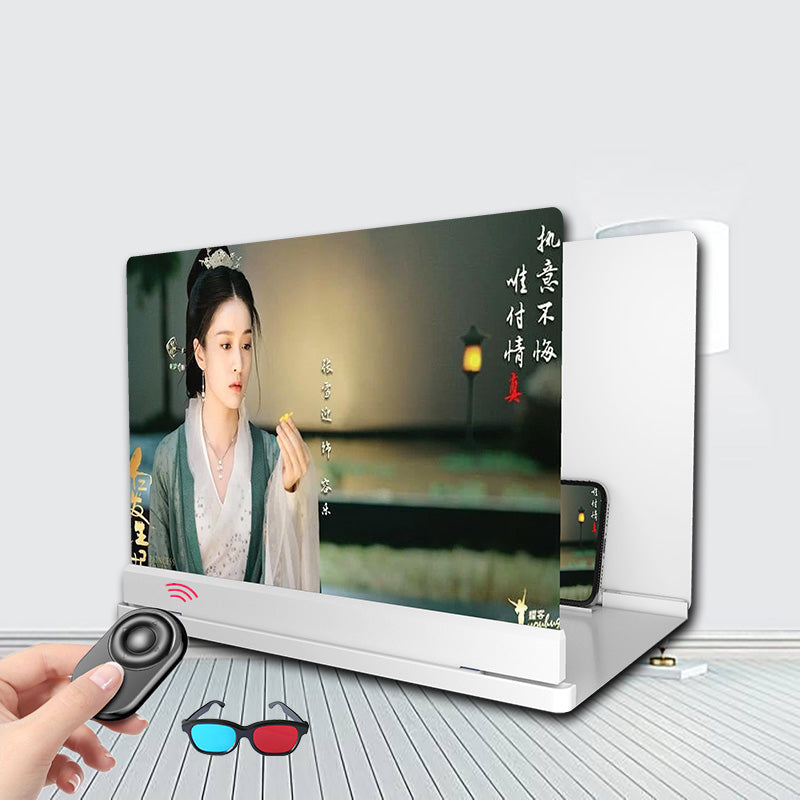
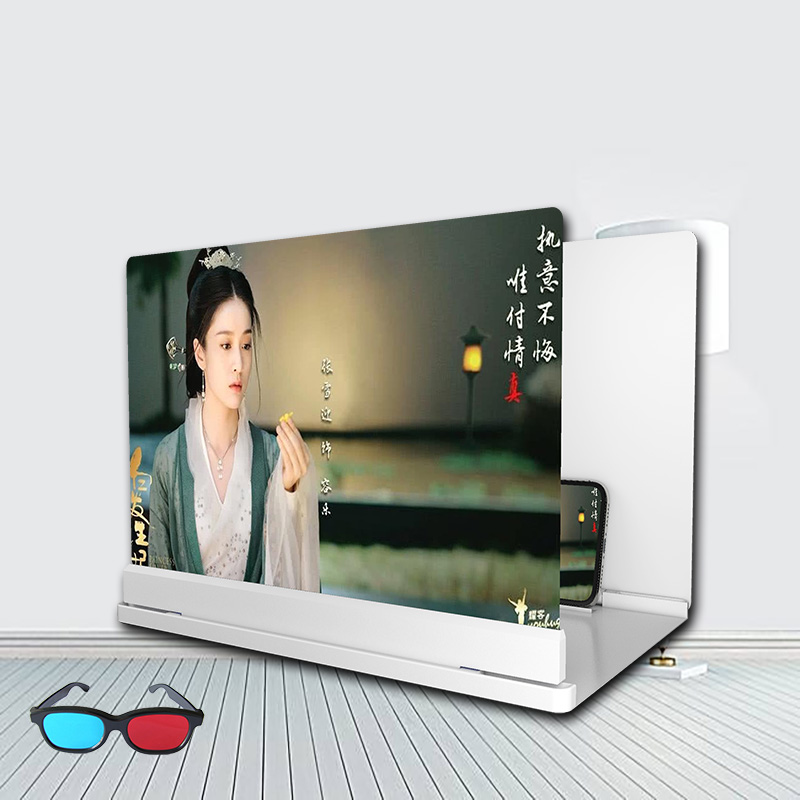
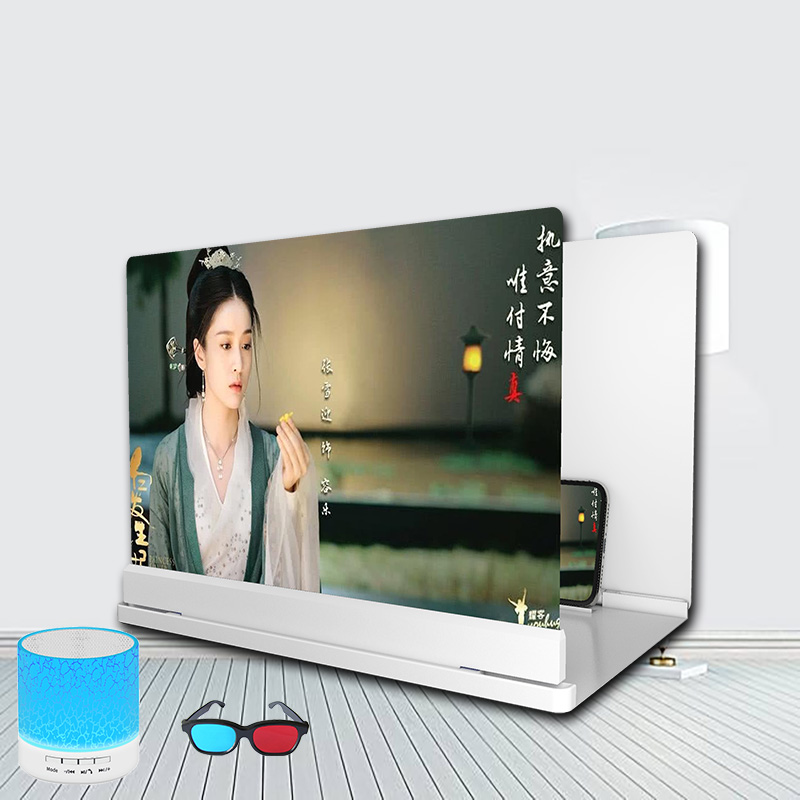
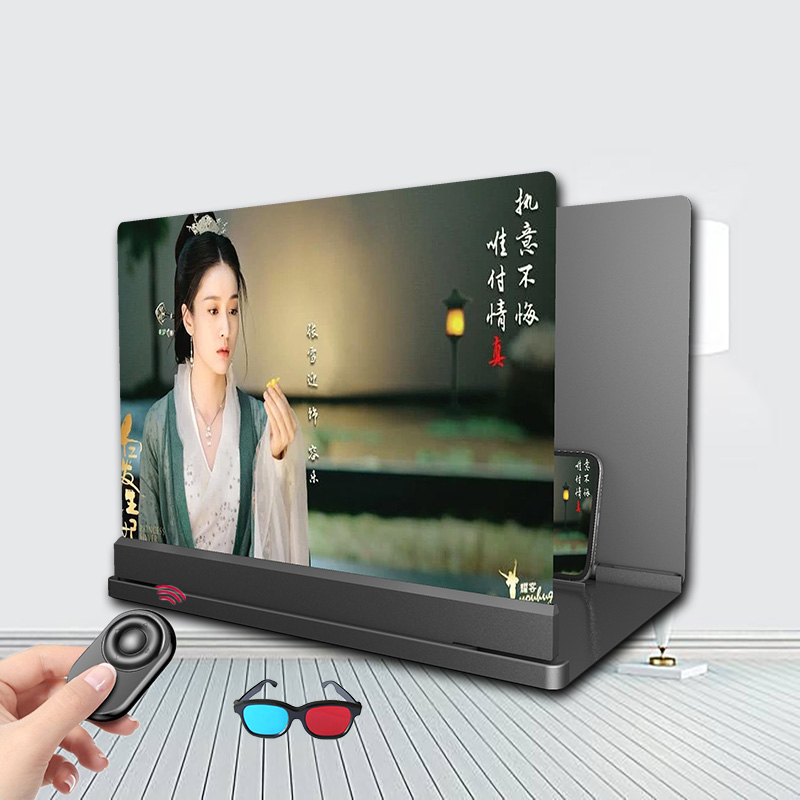
1style: 14-inch black free 3D glasses
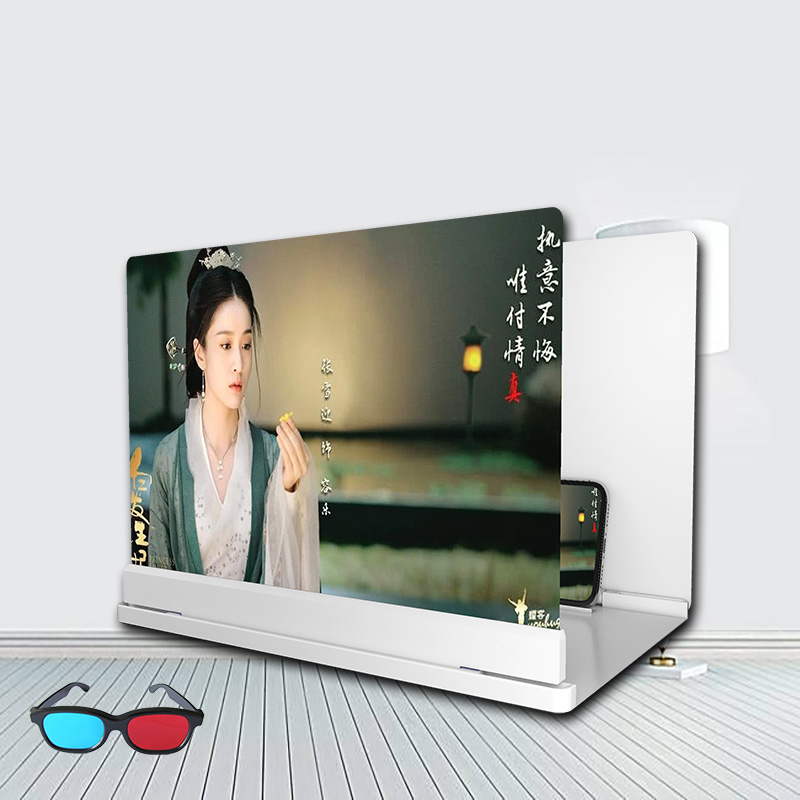
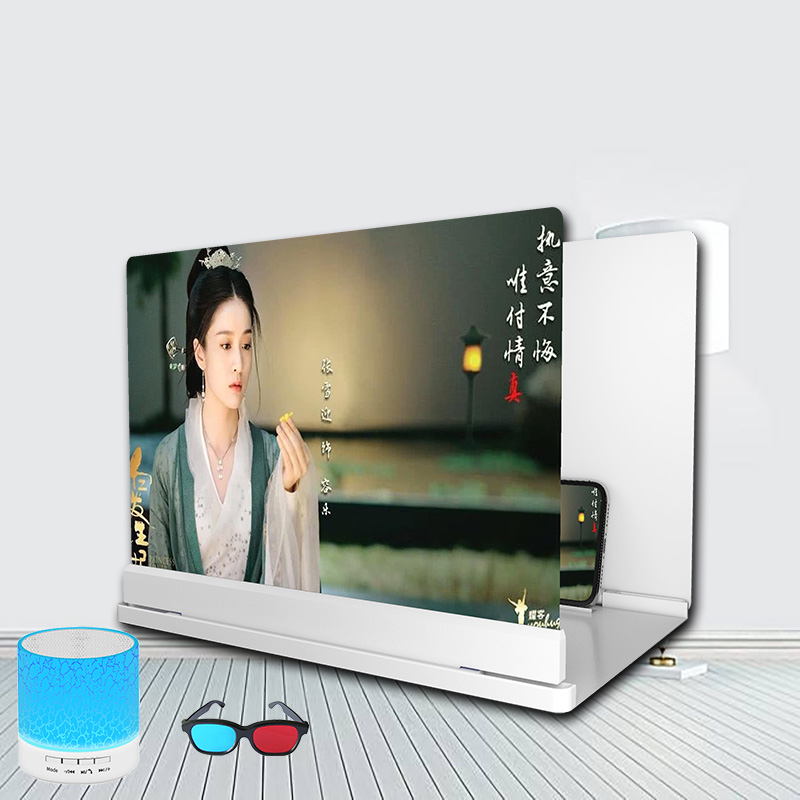
2style: 14-inch white free 3D glasses
3style: 20-inch black free 3D glasses
4style: 20-inch white free 3D glasses
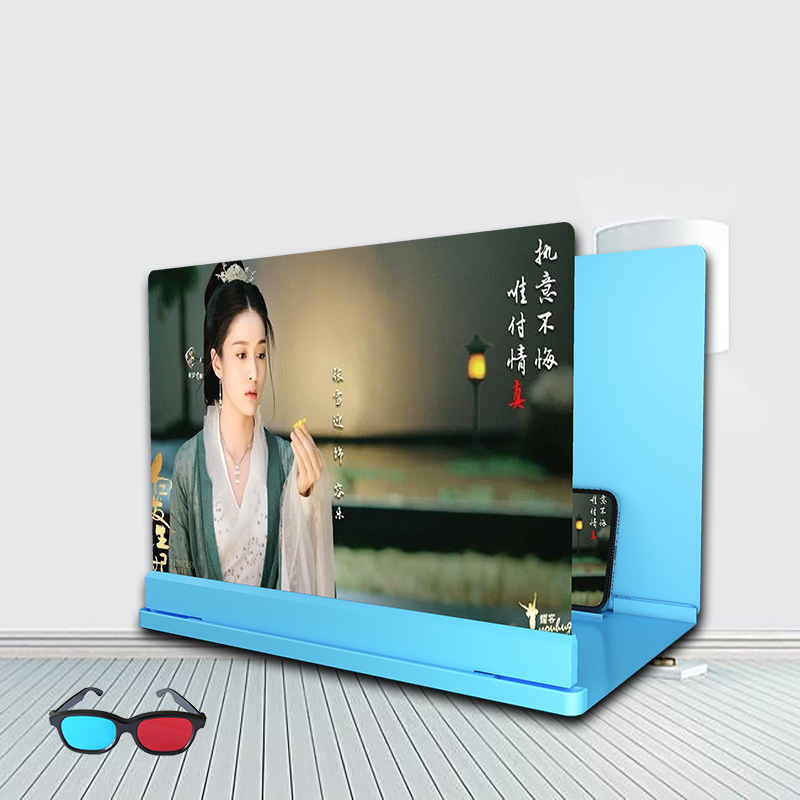
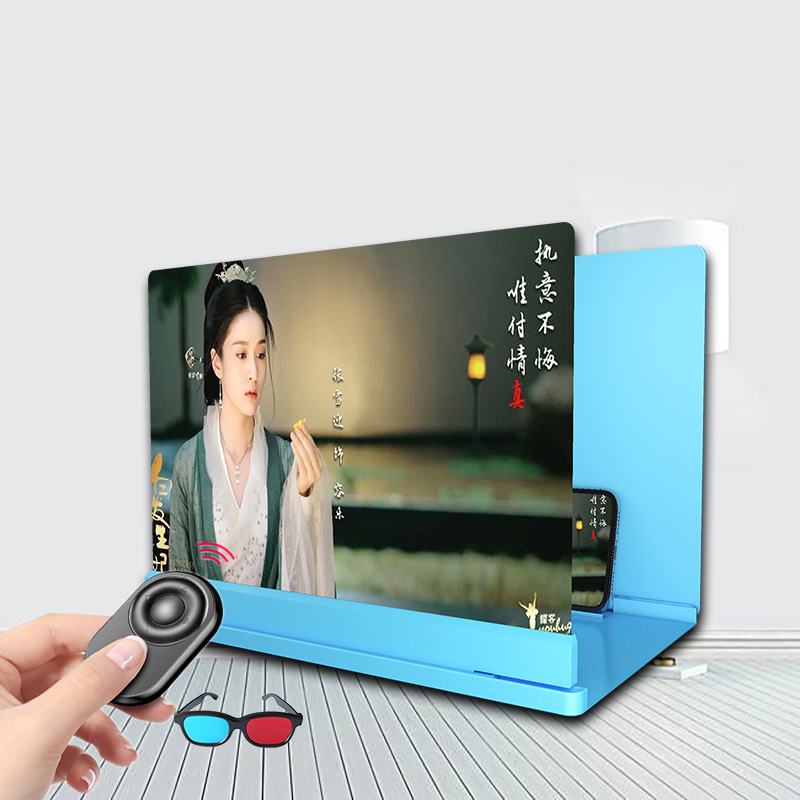
5style: 20-inch blue free 3D glasses
6style: 26-inch black free 3D glasses
7style: 26-inch white free 3D glasses
8style: 26-inch blue free 3D glasses
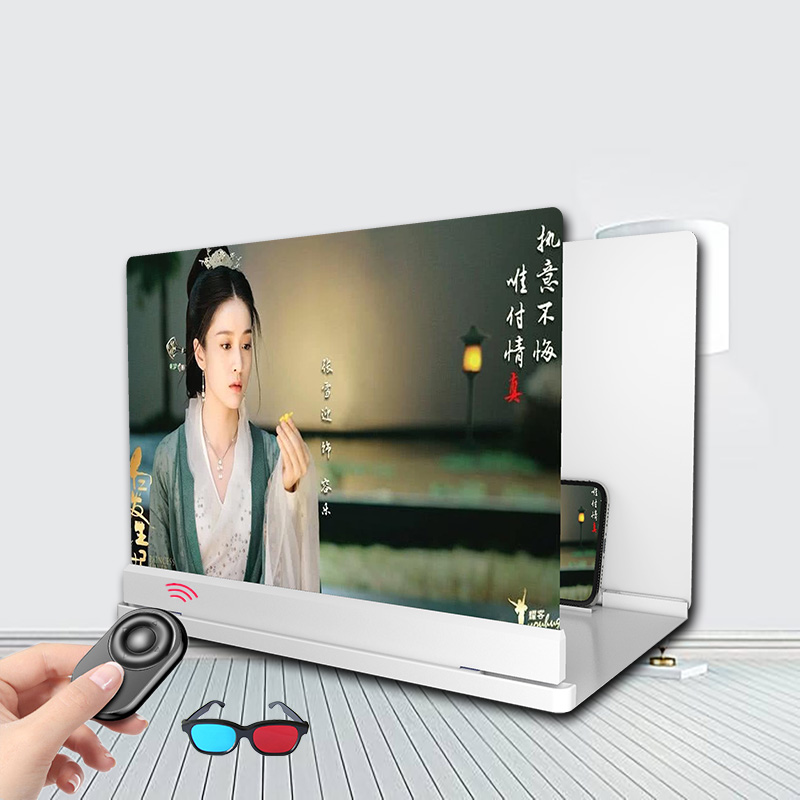
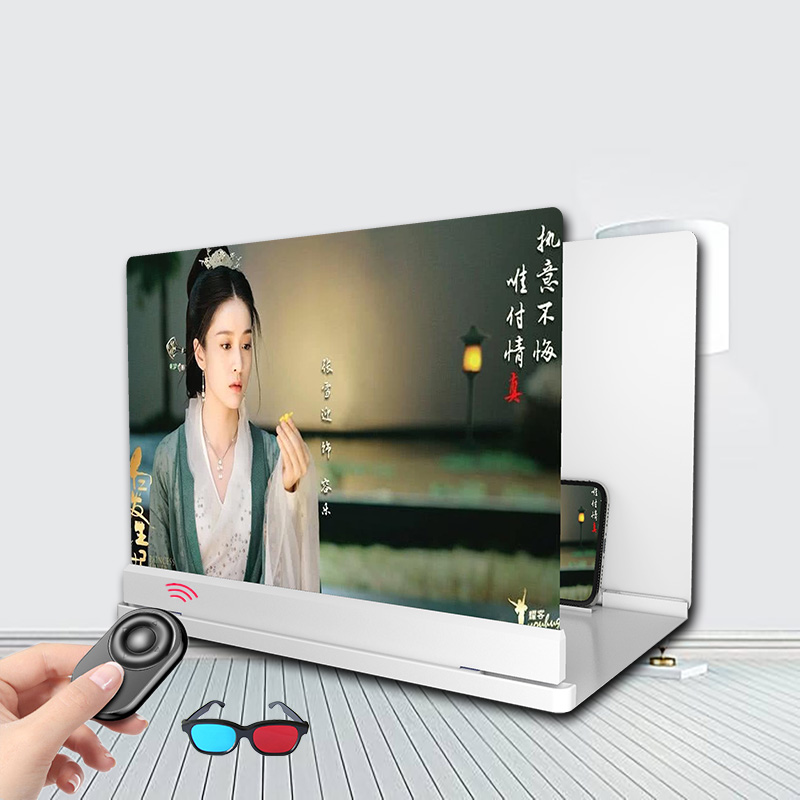
9style: 14-inch black 3D glasses + remote control
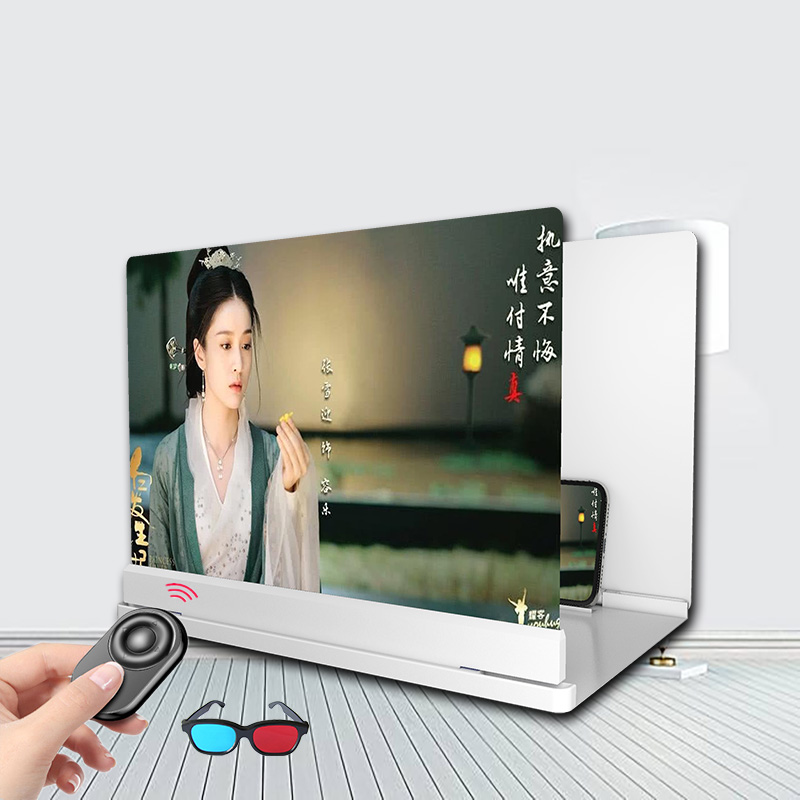
10style: 14 inch white send 3D glasses + remote control
11style: 20-inch black 3D glasses + remote control
12style: 20 inch white send 3D glasses + remote control
13style: 20-inch blue 3D glasses + remote control
14style: 26-inch black 3D glasses + remote control
15style: 26 inch white send 3D glasses + remote control
16style: 26-inch blue 3D glasses + remote control
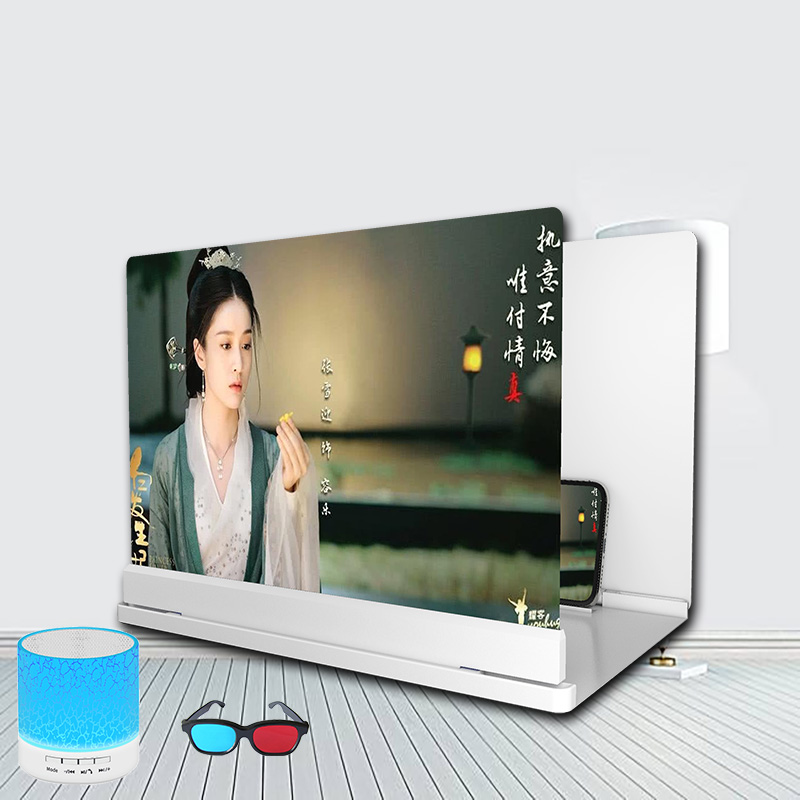
17style: 14-inch black send 3D glasses + bluetooth speaker
18style: 14 inch white send 3D glasses + bluetooth speaker
19style: 20 inch black send 3D glasses + bluetooth speaker
20style: 20 inch white send 3D glasses + bluetooth speaker
21style: 20-inch blue to send 3D glasses + Bluetooth speaker
22style: 26-inch black 3D glasses + Bluetooth speaker
23style: 26 inch white send 3D glasses + bluetooth speaker
24style: 26-inch blue to send 3D glasses + bluetooth speaker
‘
Packing list:
Mobile phone screen magnifier*1
Product Image:


1)How to place my order?
1a. Place an order
- Click the product you would like to purchase at product page.
- Select variant.
1st payment option (PayPal)
- Click “Buy with PayPal”
- Follow the requirement step by PayPal.
2nd payment option ( Visa, Mastercard, Apple Pay, AMEX & PayPal)
- Click “More payment option”
- Fill up requirement information.
- Click “Continue To Shipping”
- Your contact information and shipping address will appear at shipping method page.
(Note : Confirm your contact information and shipping address before you select the shipping method.)
- Select your preferred shipping option.
- Click “Continue to payment”
- Fill up requirement information.
(Note : If you wish to pay by using PayPal payment option, please select the “PayPal” icon.)
- Select your Billing address.
- Click “Pay now”.
(Note : If you select pay by using PayPal payment option, you may follow PayPal instruction.)
1b. Check out item at your cart
- Click “Add to cart” icon to add your preferred item in your cart.
- Click on “Shopping bag” icon at the top right of the page.
- Click the “Check out” icon to place order. Fill up requirement information.
- Click “Continue To Shipping”
- Your contact information and shipping address will appear at shipping method page.
(Note : Confirm your contact information and shipping address before you select the shipping method.)
- Select your preferred shipping option.
- Click “Continue to payment”
- Fill up requirement information.
(Note : If you wish to pay by using PayPal payment option, please select the “PayPal” icon.)
- Select your Billing address.
- Click “Pay now”
(Note : If you select pay by using PayPal payment option, you may follow PayPal instruction.)
About Global Trade Leader
We are the worldwide trading warehouse with selling more than 100,000 product, to more than 200 of country, with running 6S concept : 1S (Sourcing), 2S (Sell), 3S (Ship), 4S (Save time), 5S (Save energy), 6S (Save money) to provide one stop services to our global customer.
Contact Us
Email :