Global Trade Leader
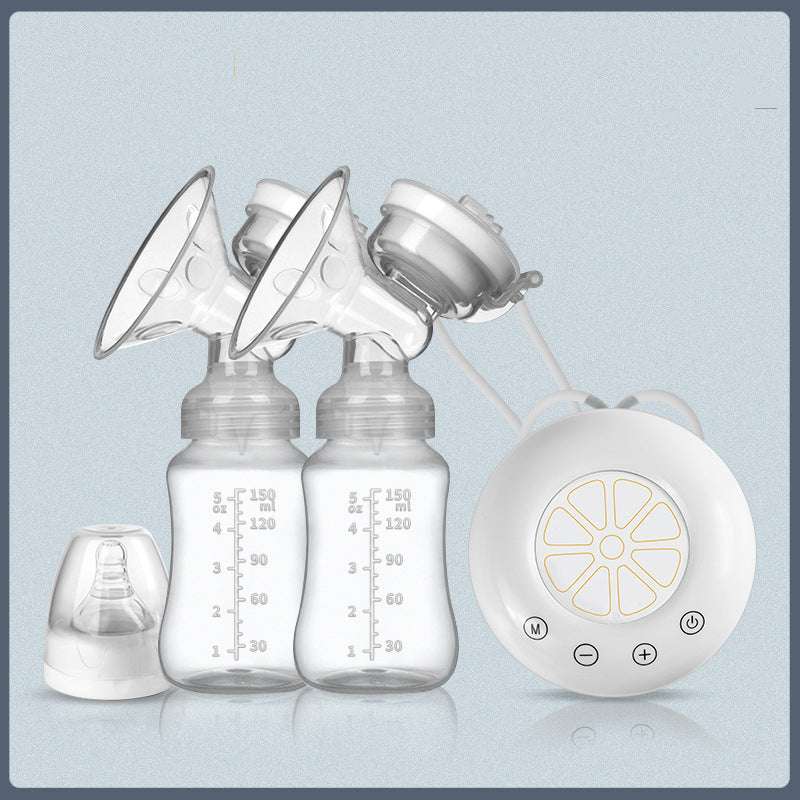
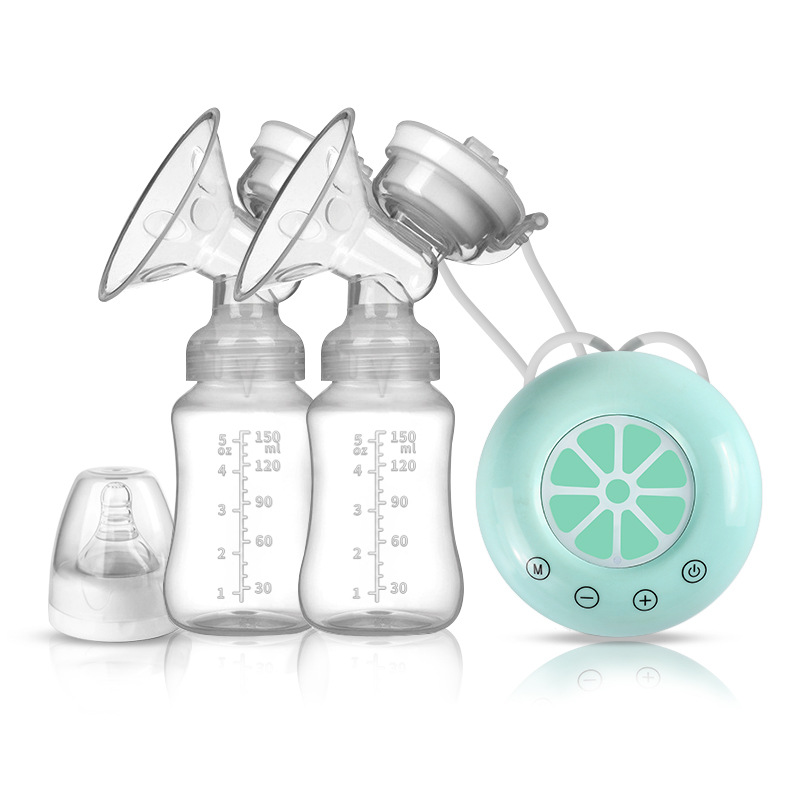
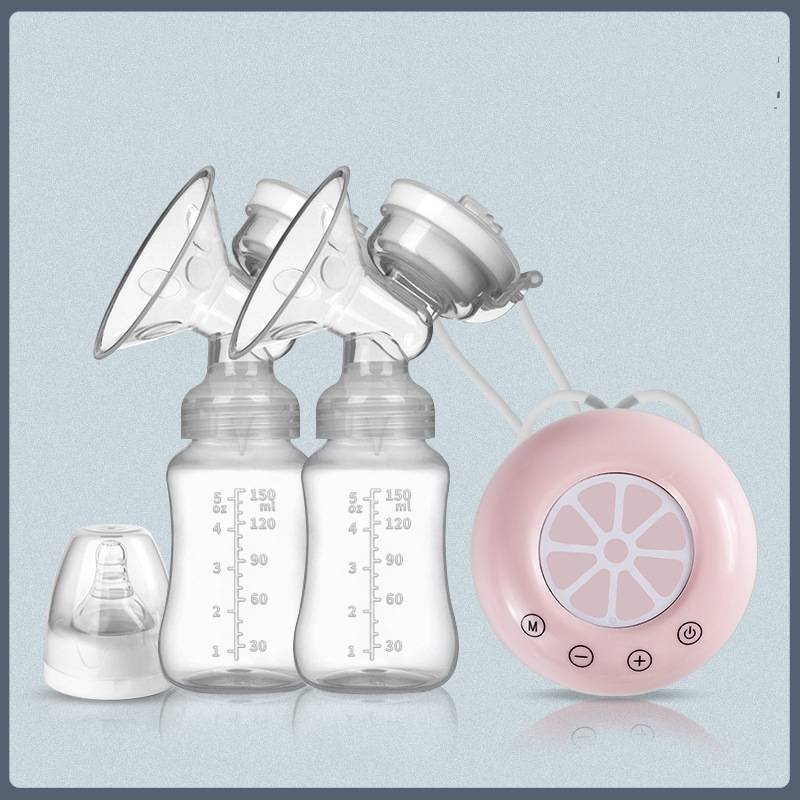
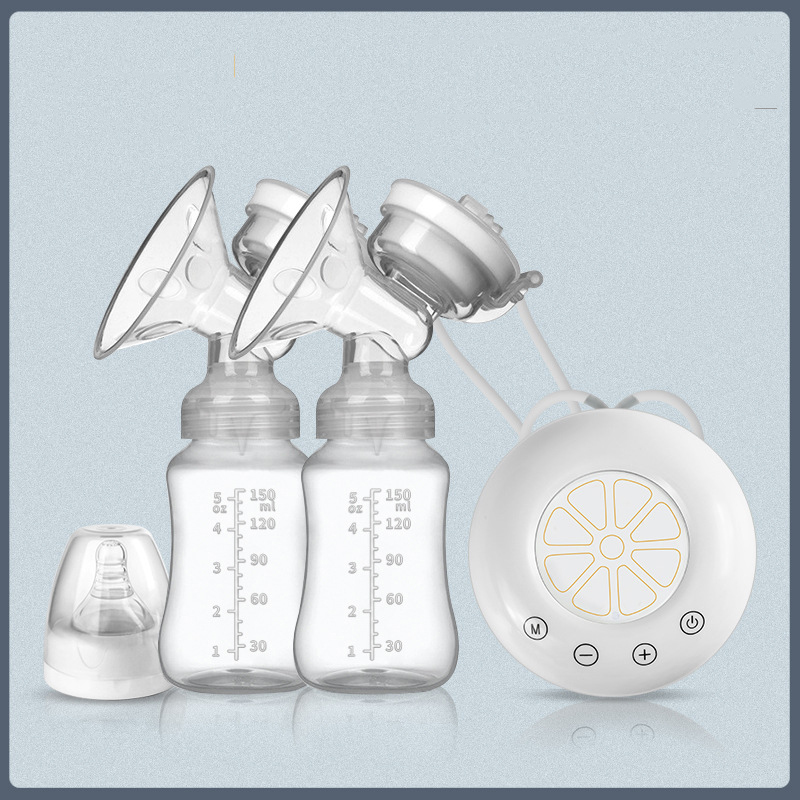
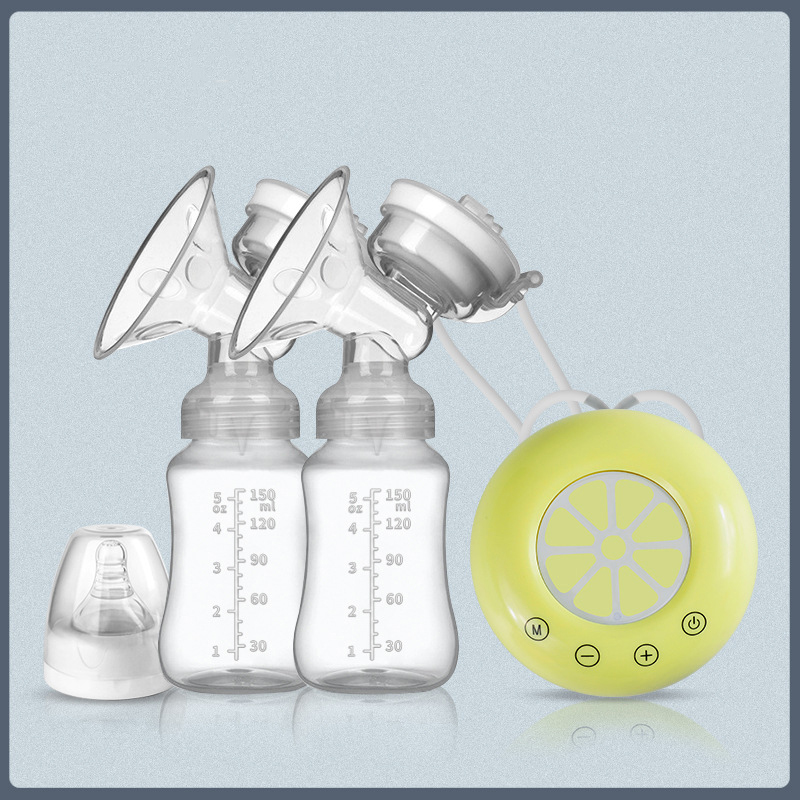
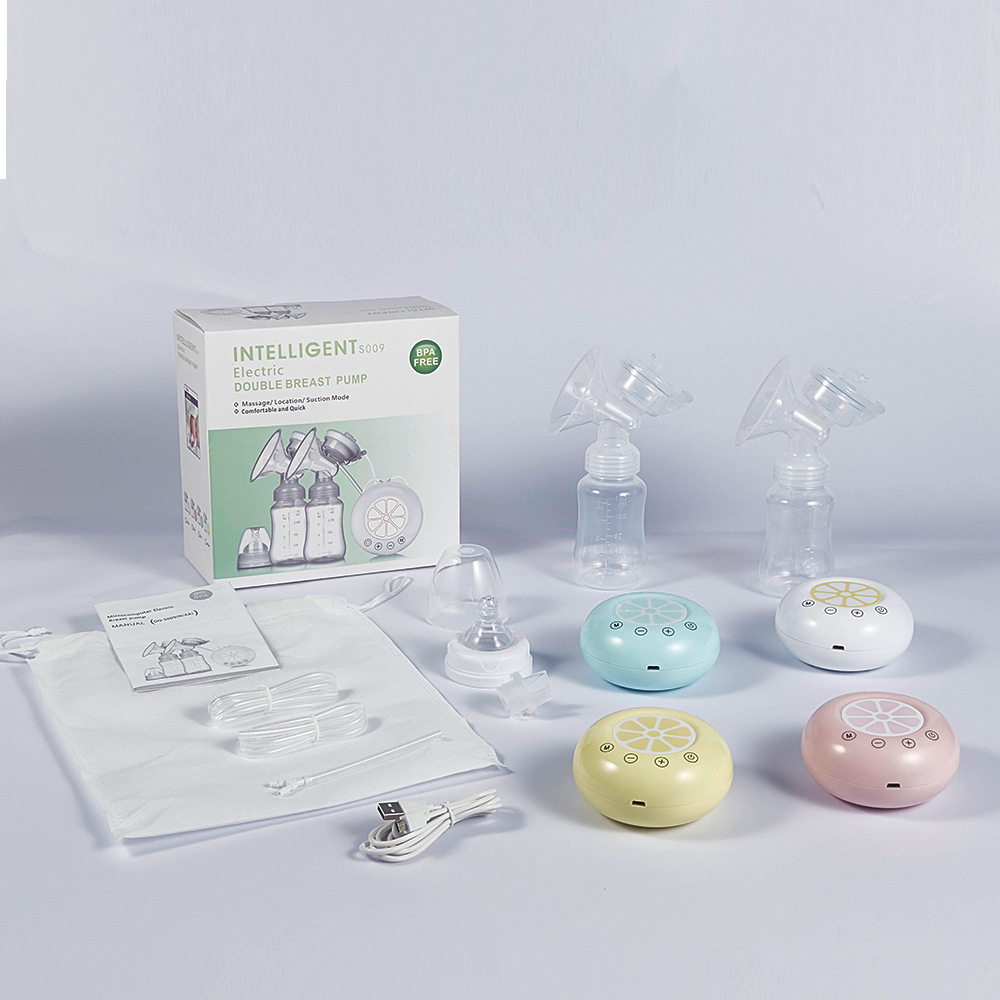
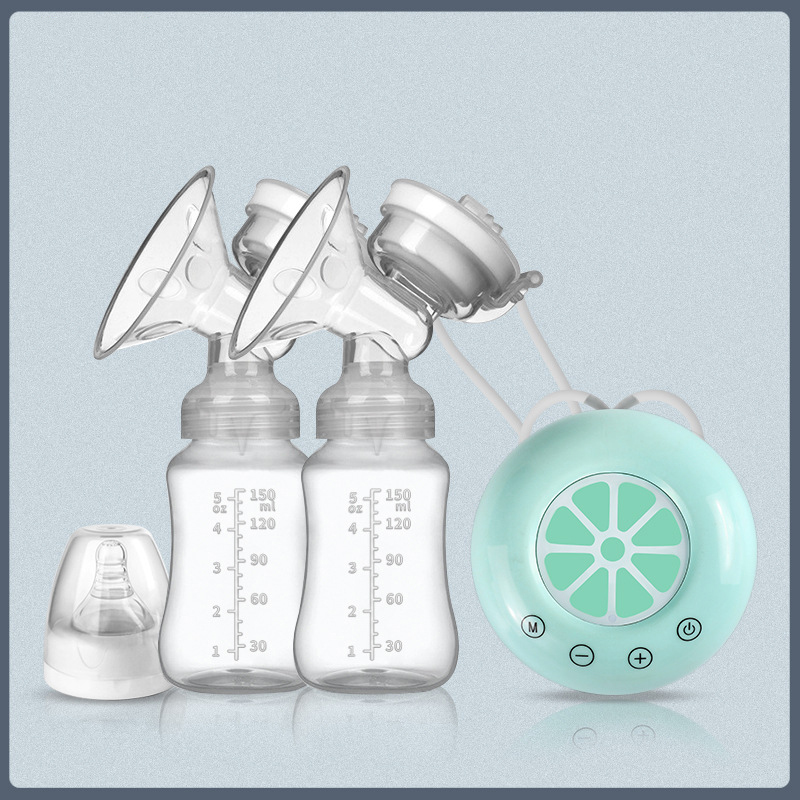
USB plug-in bilateral breast pump, electric breast pump, automatic breast pump
USB plug-in bilateral breast pump, electric breast pump, automatic breast pump
Couldn't load pickup availability
USB plug-in bilateral breast pump, electric breast pump, automatic breast pump
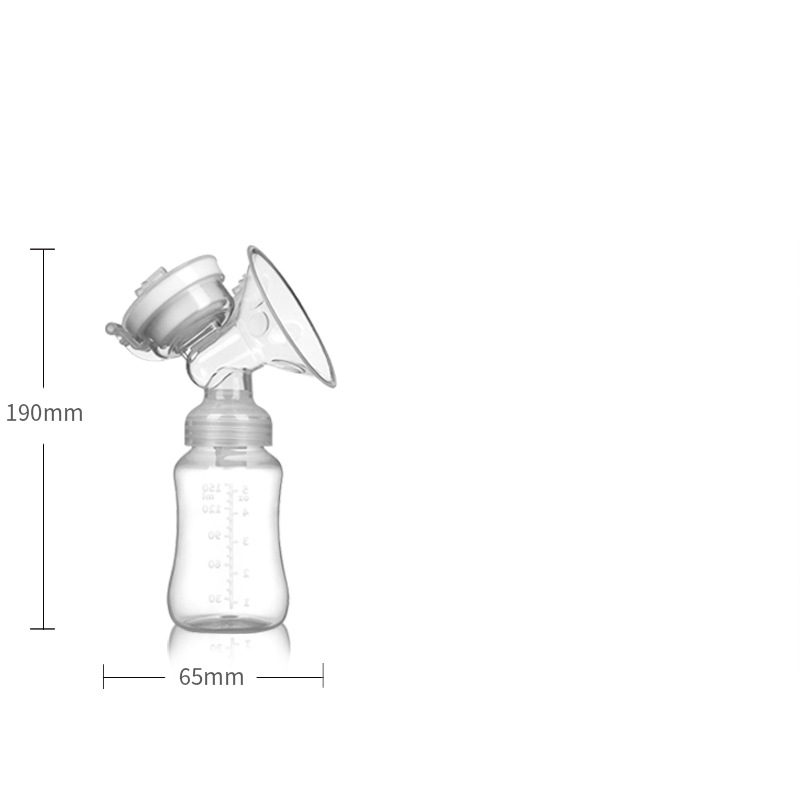
Package size: 20 * 9.5 * 20cm
Product suction: ≤ - 0.38kpa
Rated voltage: 100-240V
Power supply mode: USB plug-in type, connected with power bank
The adapter and the computer power supply can be used
reminder:
1. Wash hands before milking or handling breast milk
2. Use hot towel to compress breast before milking, massage to stimulate areola and make breast unobstructed
3. Milk with suitable pressure. Stop milking when breast or nipple feel pain
4. Only eight minutes of milking is needed (time no more than 20 minutes)
5. When storing breast milk, use sterilized container with cover
6. Remove breast milk that has been refrigerated for more than 72 hours (3 days)
7. Don't put frozen and fresh breast milk on - breast feeding
8. Thaw the frozen breast milk or put it in the incubator for feeding
9. After thawing the frozen milk, if the baby can't drink it within 24 hours, please do not repeat the frozen breast milk
Dispose of the rest and disinfect the container
1)How to place my order?
1a. Place an order
- Click the product you would like to purchase at product page.
- Select variant.
1st payment option (PayPal)
- Click “Buy with PayPal”
- Follow the requirement step by PayPal.
2nd payment option ( Visa, Mastercard, Apple Pay, AMEX & PayPal)
- Click “More payment option”
- Fill up requirement information.
- Click “Continue To Shipping”
- Your contact information and shipping address will appear at shipping method page.
(Note : Confirm your contact information and shipping address before you select the shipping method.)
- Select your preferred shipping option.
- Click “Continue to payment”
- Fill up requirement information.
(Note : If you wish to pay by using PayPal payment option, please select the “PayPal” icon.)
- Select your Billing address.
- Click “Pay now”.
(Note : If you select pay by using PayPal payment option, you may follow PayPal instruction.)
1b. Check out item at your cart
- Click “Add to cart” icon to add your preferred item in your cart.
- Click on “Shopping bag” icon at the top right of the page.
- Click the “Check out” icon to place order. Fill up requirement information.
- Click “Continue To Shipping”
- Your contact information and shipping address will appear at shipping method page.
(Note : Confirm your contact information and shipping address before you select the shipping method.)
- Select your preferred shipping option.
- Click “Continue to payment”
- Fill up requirement information.
(Note : If you wish to pay by using PayPal payment option, please select the “PayPal” icon.)
- Select your Billing address.
- Click “Pay now”
(Note : If you select pay by using PayPal payment option, you may follow PayPal instruction.)
About Global Trade Leader
We are the worldwide trading warehouse with selling more than 100,000 product, to more than 200 of country, with running 6S concept : 1S (Sourcing), 2S (Sell), 3S (Ship), 4S (Save time), 5S (Save energy), 6S (Save money) to provide one stop services to our global customer.
Contact Us
Email :